321
Handling one countdown is easy.
But what about handling dozens at the same time?
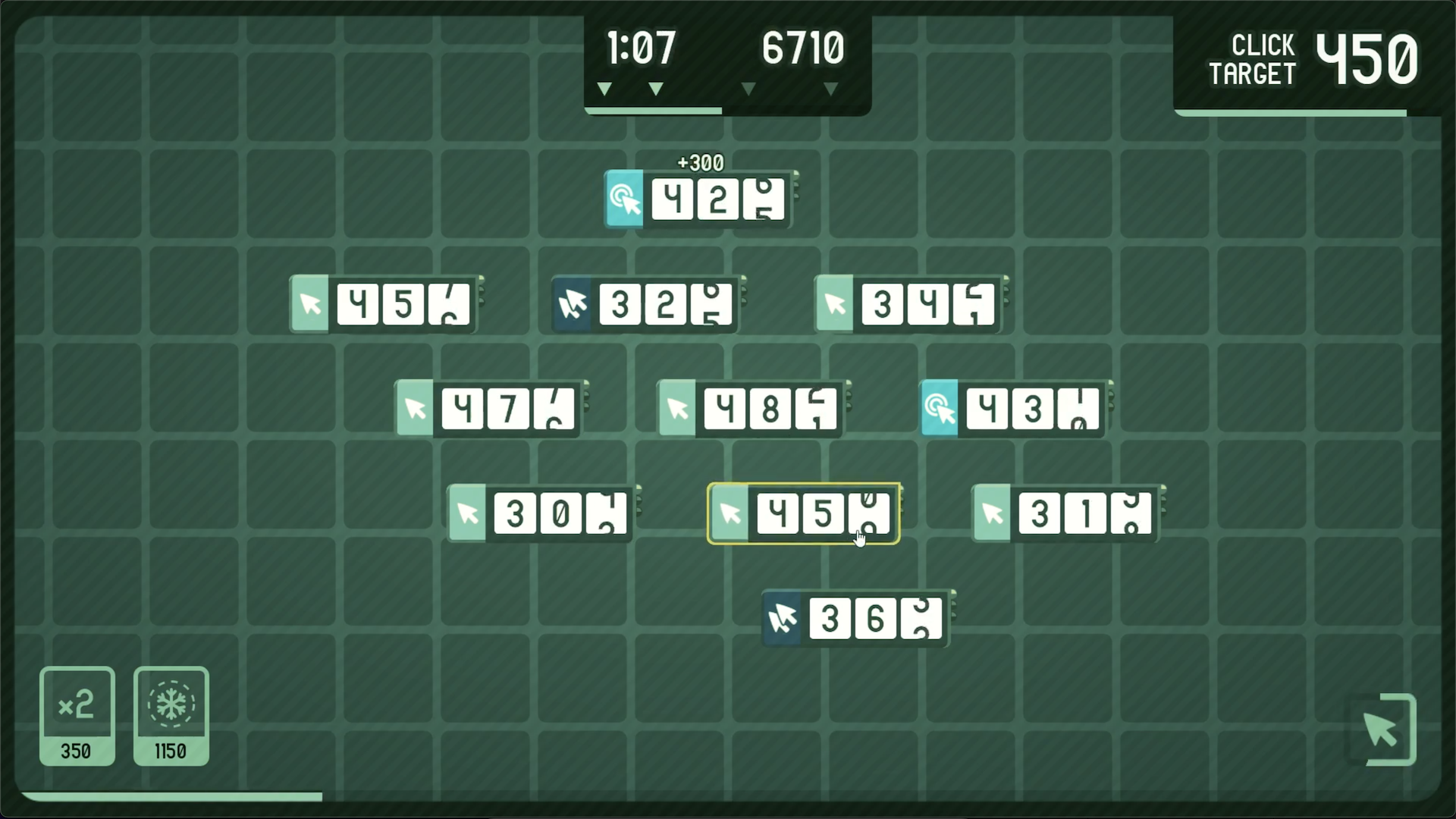
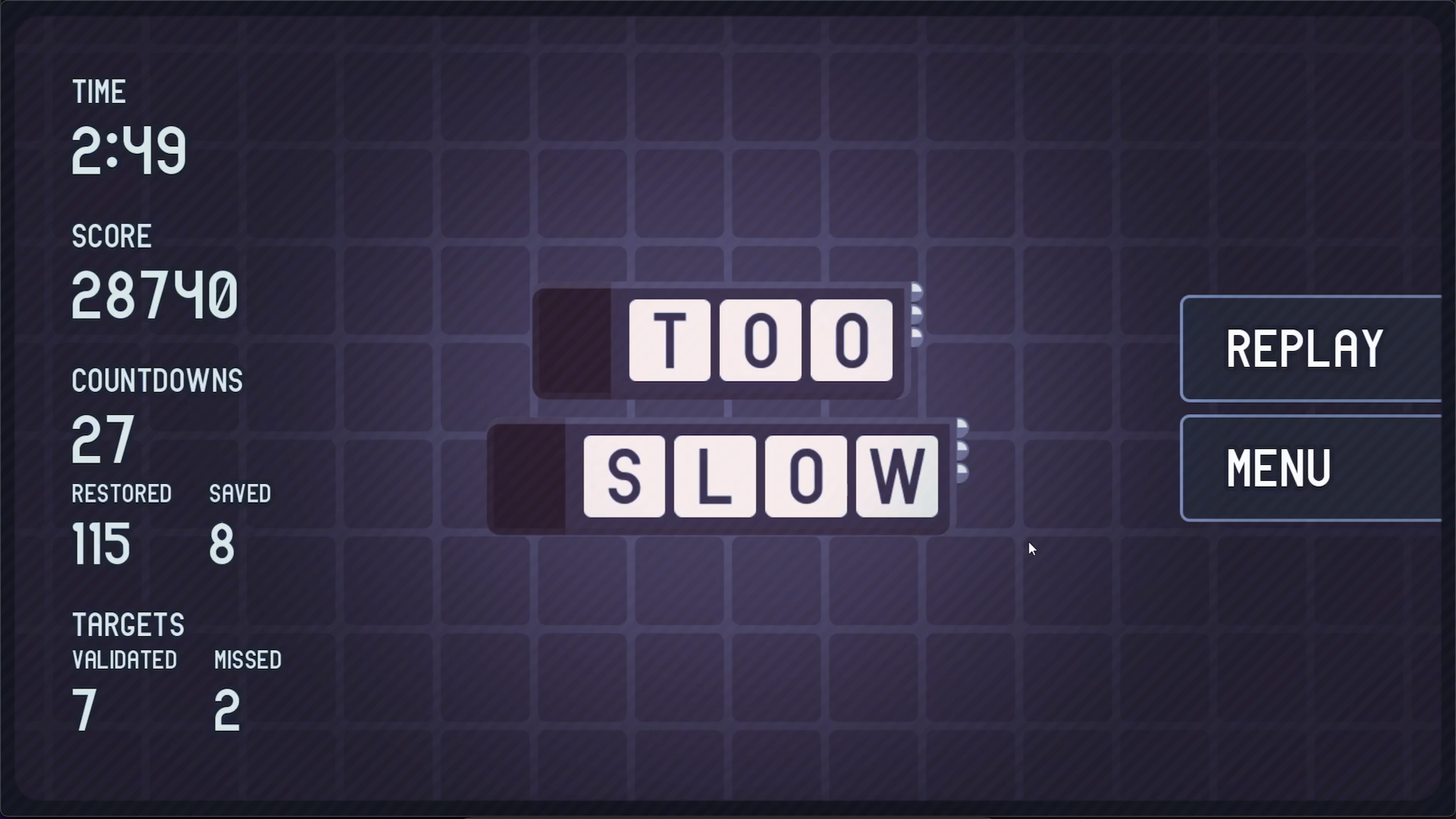
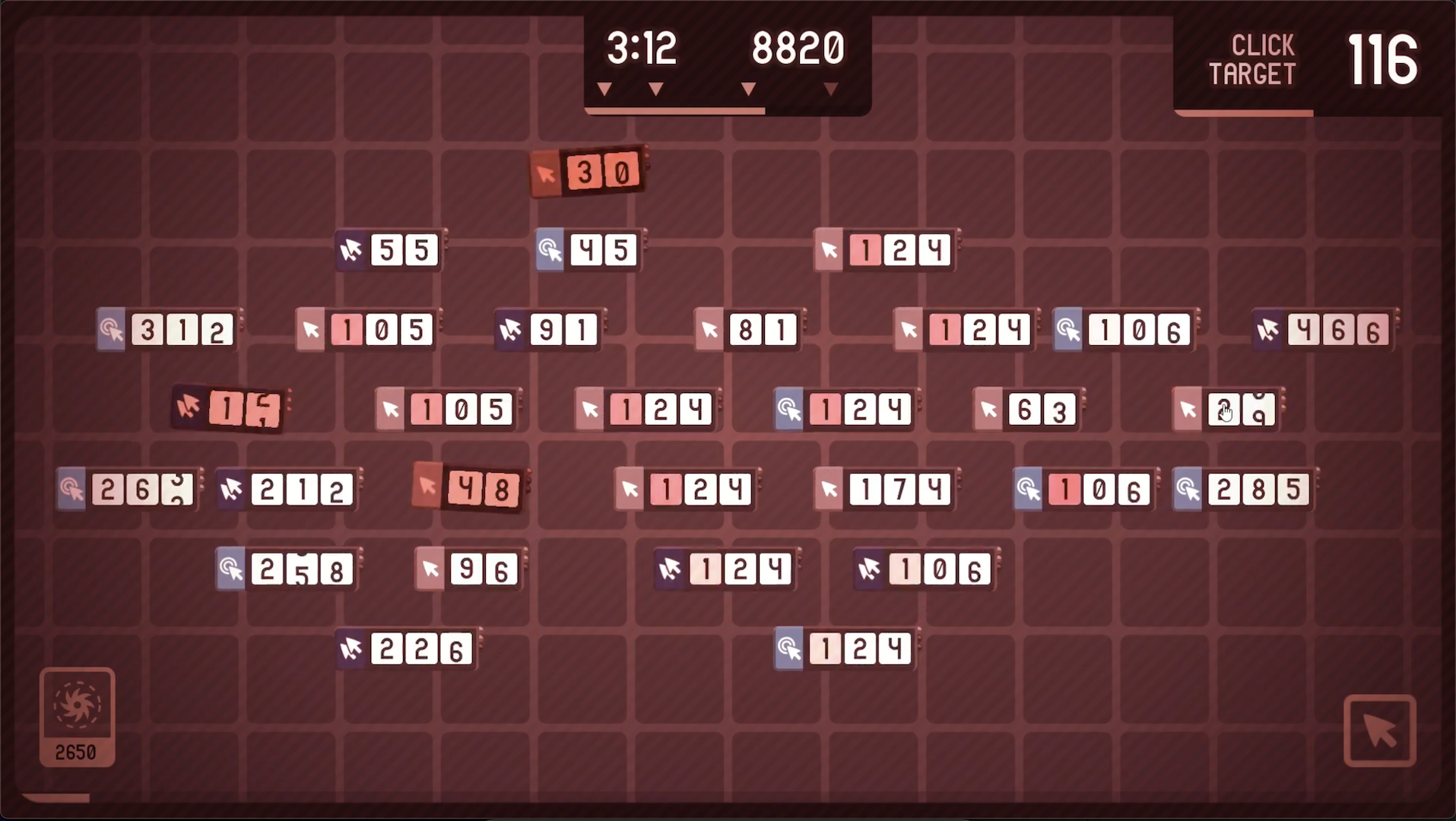
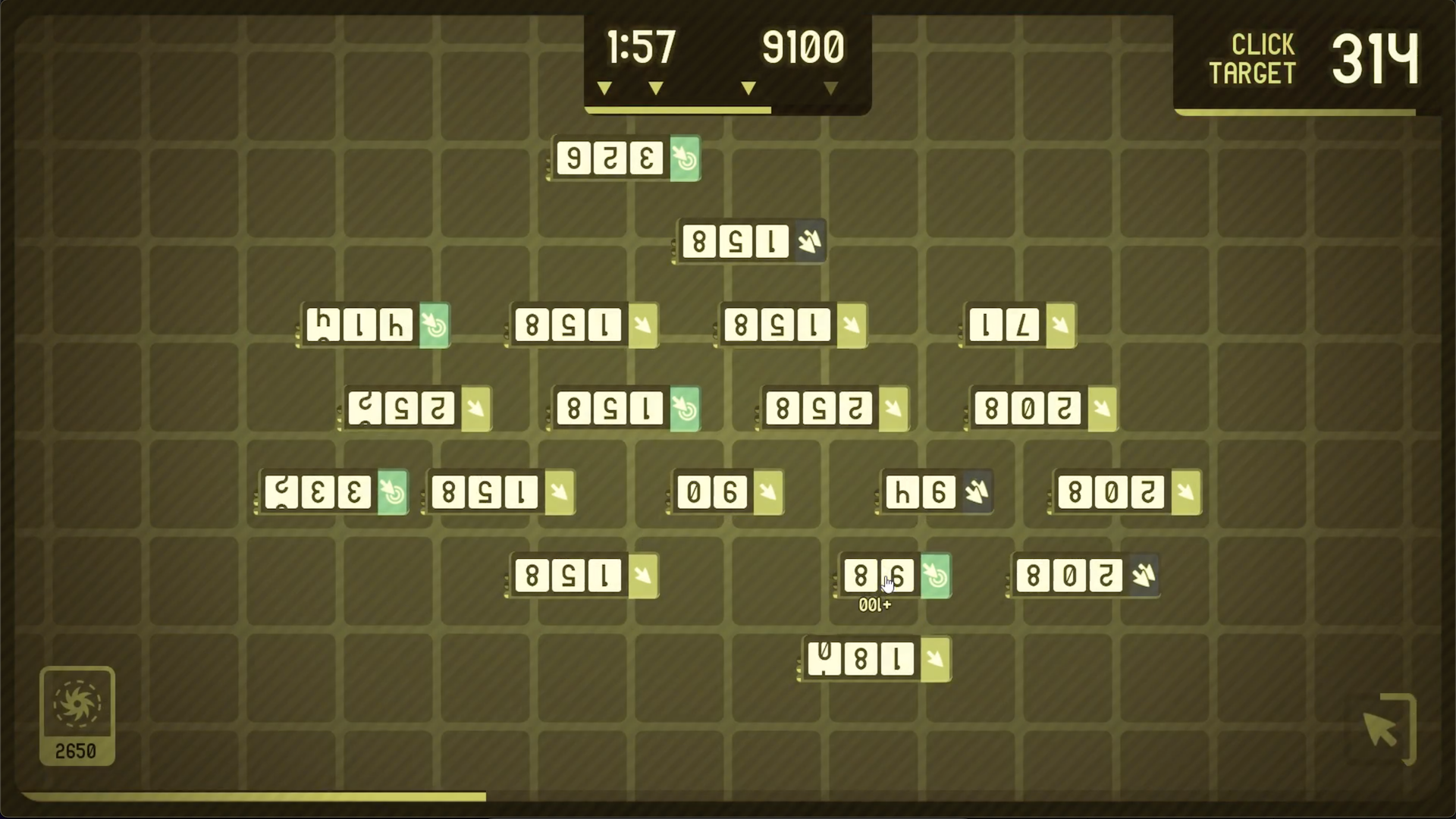
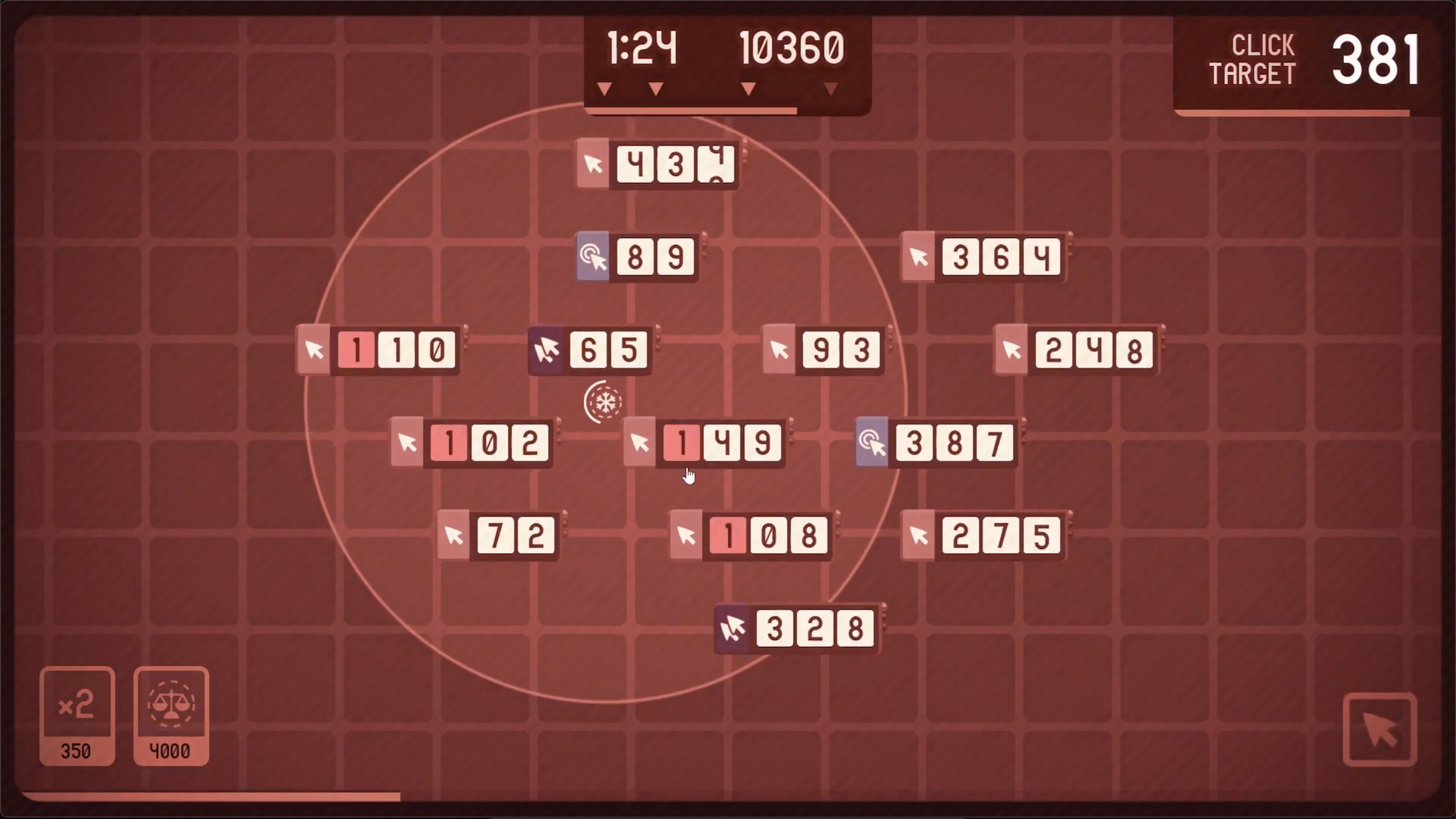
In 321, your goal is to keep all of your countdowns alive - if a single one reaches zero, it's game over. To restore some time back on a countdown, just click on it. Or double-click. Or click-and-hold.
It's all about keeping track of what each countdown needs and where it's at.
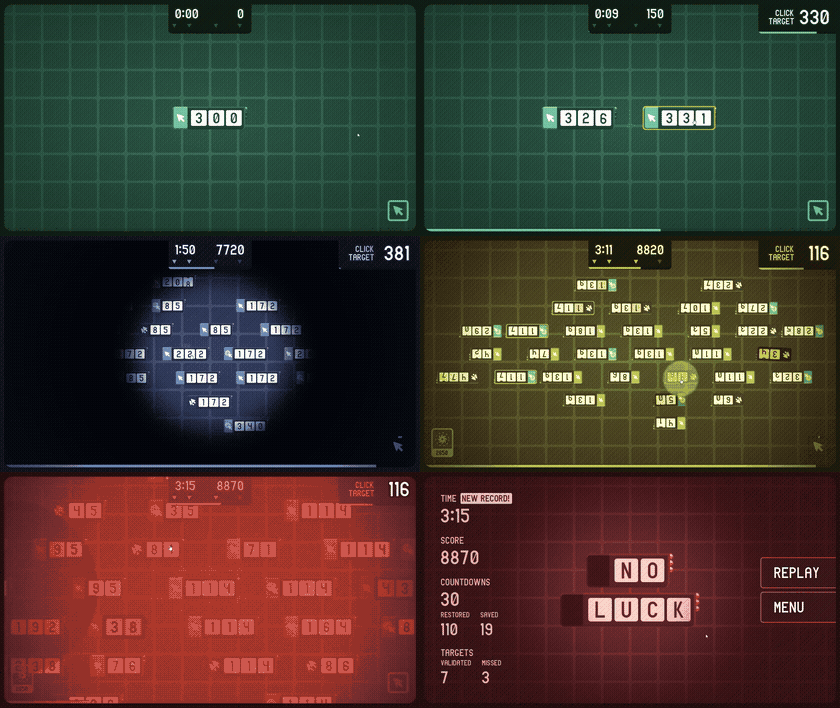
The basics
To restore a countdown, you may need to:
click, double-click or click-and-hold.
Countdowns can have 3 different speeds (look at the number of active pins on the right of their display): slow, normal or fast. You always start with just one slow countdown on the board.
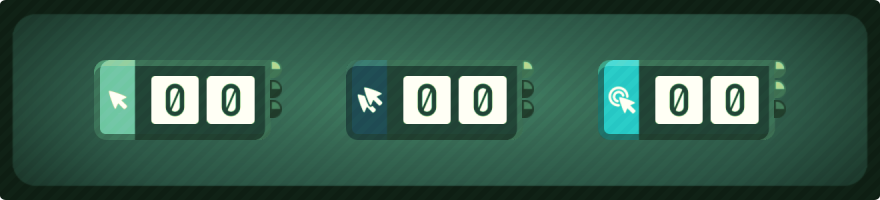
- Master clickery: In 321, you can't click continuously - there is a short reload time for your click (shown in the bottom-right corner). So don't waste your clicks on useless targets!
- Aim for "click targets": The best way to get points is to aim for the "click target" (shown in the top-right corner). If you click any countdown currently displaying this value, you'll get an extra boost in score :)
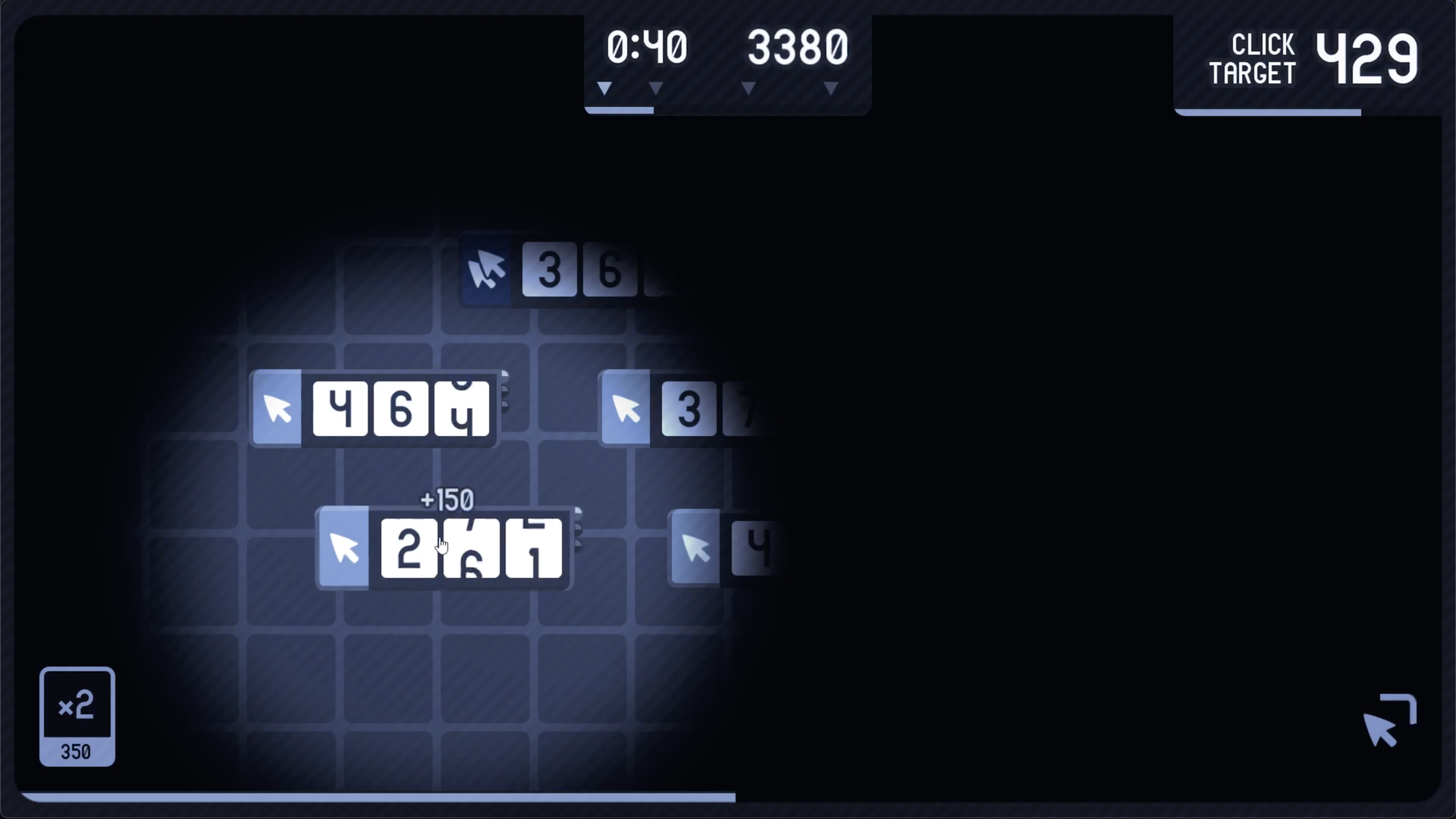
- Watch out for the theme switches: Every 16 seconds, the board will switch to a new theme: each theme has its own atmosphere (color and music)... but also its own rules!
- Save your digits: When a countdown drops below 100, it loses its hundreds digit. Then below 10, it loses its tens digit. You won't get those back... unless you use the right item (see below)!
Wanna get the best score?
- Each time you click on a countdown, you get 50 points.
- If the click triggers a change in the hundreds, you get an additional 100 points.
- If the countdown you click matches the current "click target" value, you get an additional 1000 points.
- If the countdown is in "double-click" or "click-and-hold" mode, you get an additional multiplier.
Too easy? Try using items!
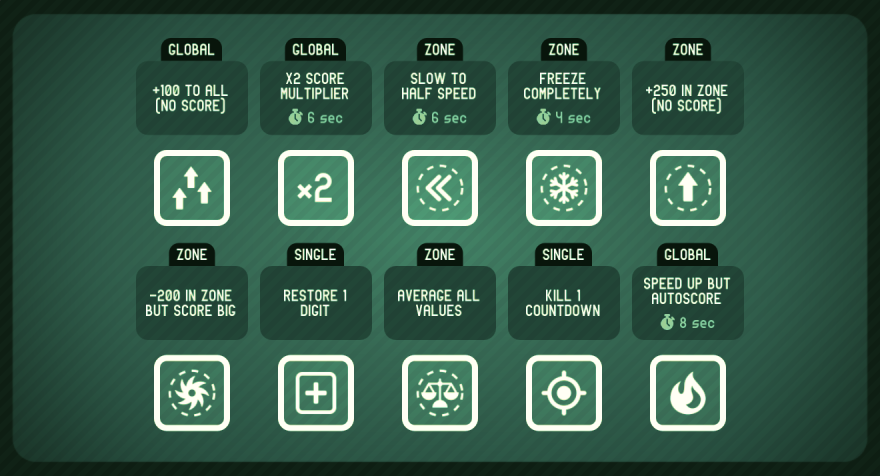
- As your score reaches certain thresholds, you'll get rewarded with items (in the bottom-left corner).
- Using an item costs points: be careful not to use up all the nice score you worked hard to earn!
- Some items are global, others apply to a zone, others to a single countdown.
So - ready to get clicky? :)
•••
This game was designed & developed in 4 days for the GMTK Game Jam 2026.
The GMTK Game Jam 2026's theme is... COUNTDOWN!
Most of the assets were custom-made by us for this game. Here are some additional credits for the rest:
- The color-switching/post-processing shader was adapted from these two shaders, using the amazing ammo-8 palette (+ personal variations for the other hues).
- The font used in the interface + game branding is Arial Narrow 7.
•••
Discover more of my games over here!
Download
Comments
Log in with itch.io to leave a comment.
Love the UI, everything is so smooth and polished for a solo dev game made in 4 days 🤩
Wow 18 210 for my first one ! Nice game !
Well done!! And thanks for the kind comment :)